Case 05 / Mobile app, edtech
Stranerd
A gamified learning app that turns studying into something students want to come back to.
- Year
- 2026
- Timeframe
- About 3 months
- Role
- Product designer
- Tools
- Figma, Illustrator, Photoshop
The 30-second version
01 Problem
Learning platforms often feel repetitive, overwhelming and disconnected from how students use modern products. Motivation drops and study habits become inconsistent.
02 What I did
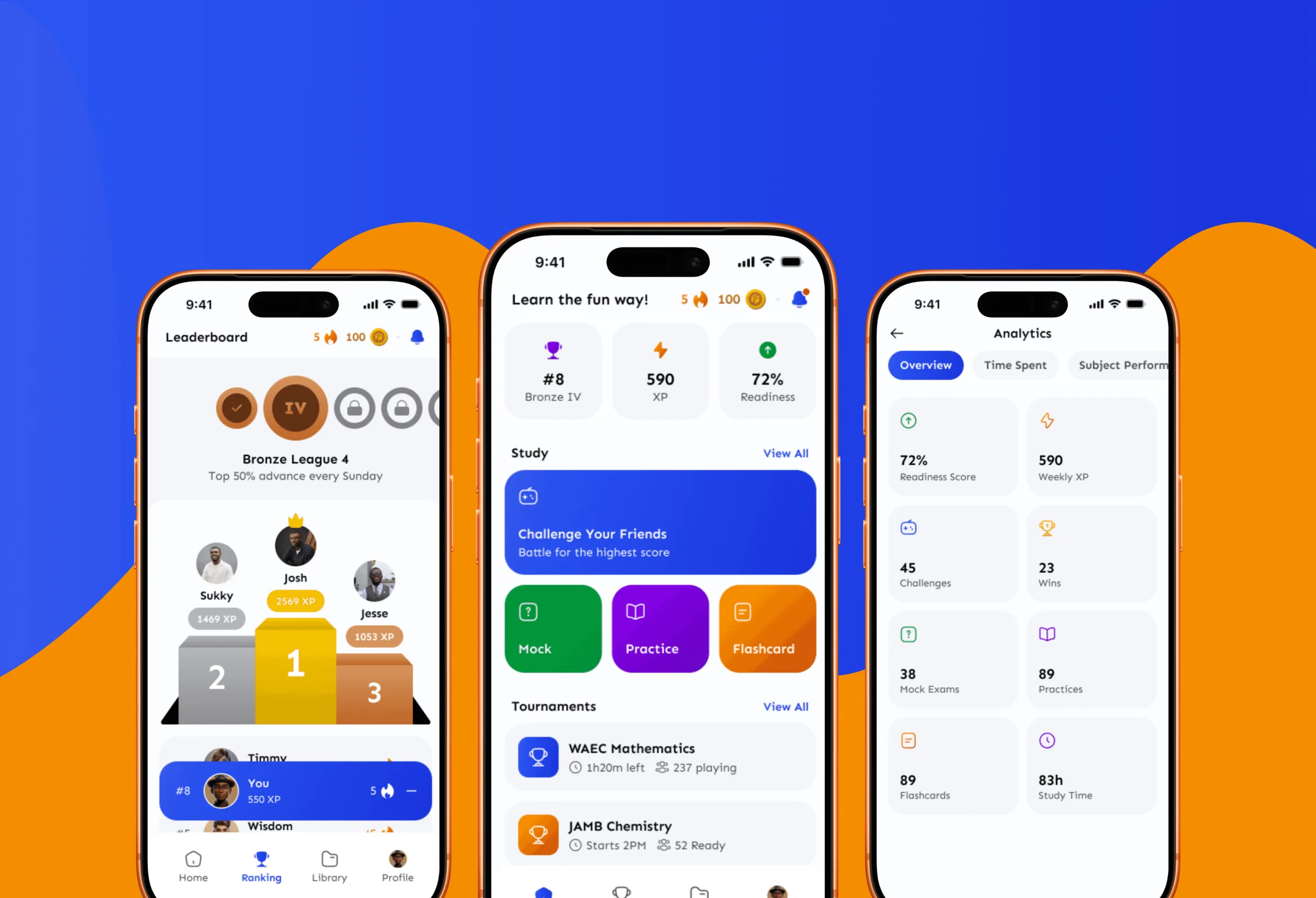
I designed the mobile experience end to end: onboarding and sign-up, a dashboard hub, quizzes, leaderboards, group battles, XP, streaks and badges, analytics, and a rewards wallet.
03 Outcome
A learning loop driven by progress, competition and rewards, kept simple enough that the game never gets in the way of the studying.
Stranerd began with a simple question: what if studying felt less like a chore and more like a game students wanted to return to?
01Getting started
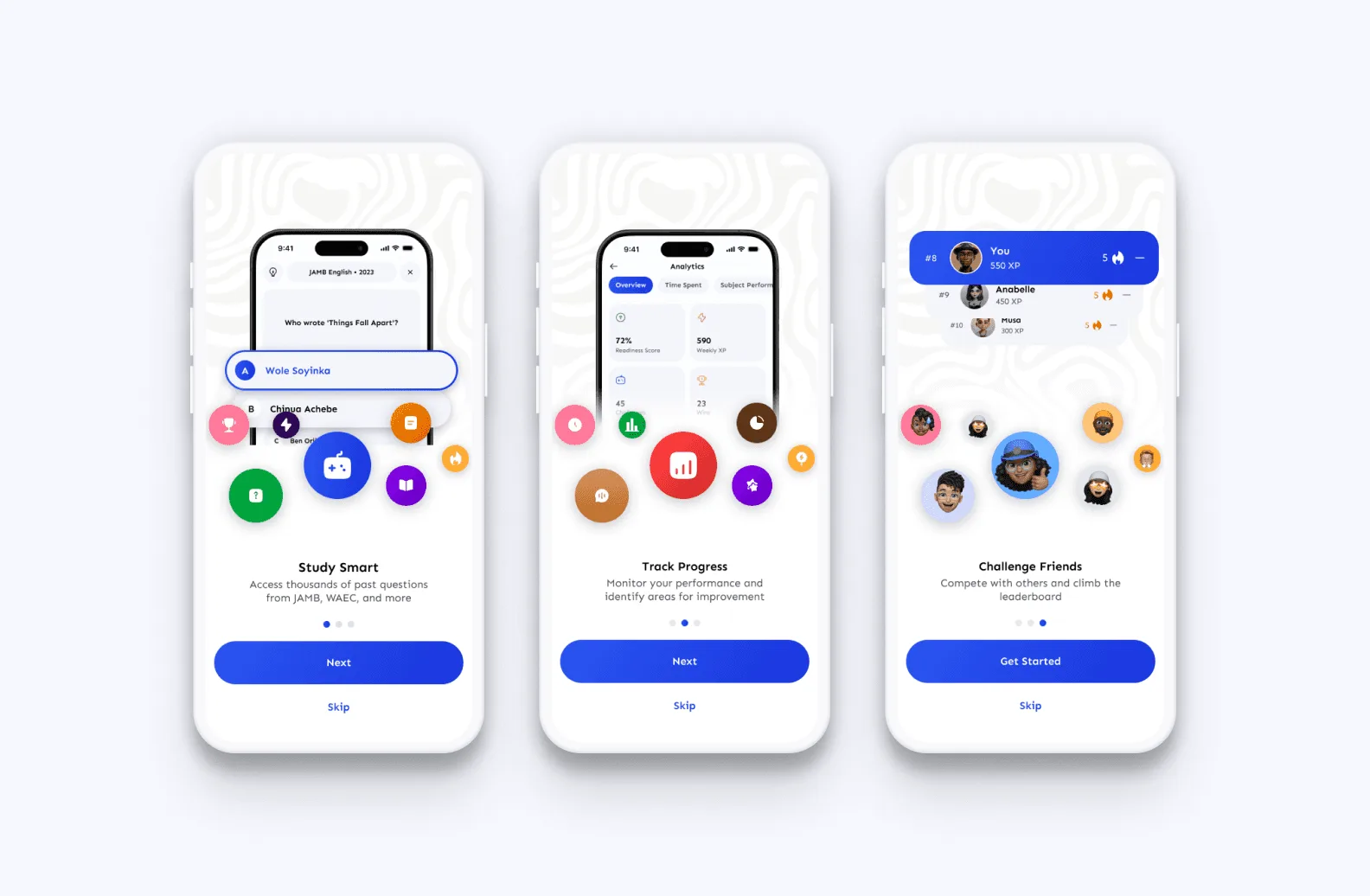
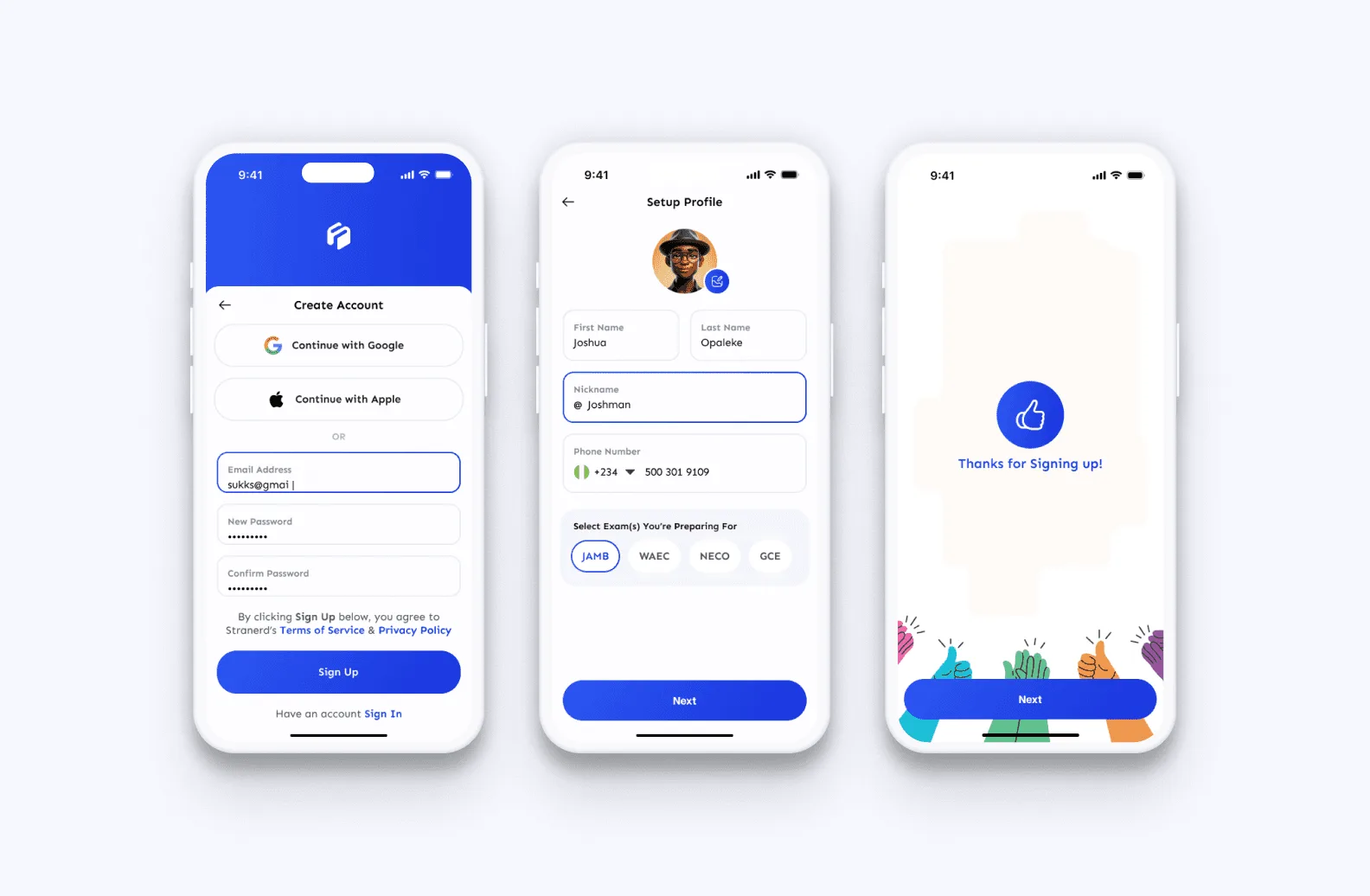
Onboarding and authentication are short and frictionless. Students can create an account with email, Google or Apple and reach their first quiz without confusion.
02One hub
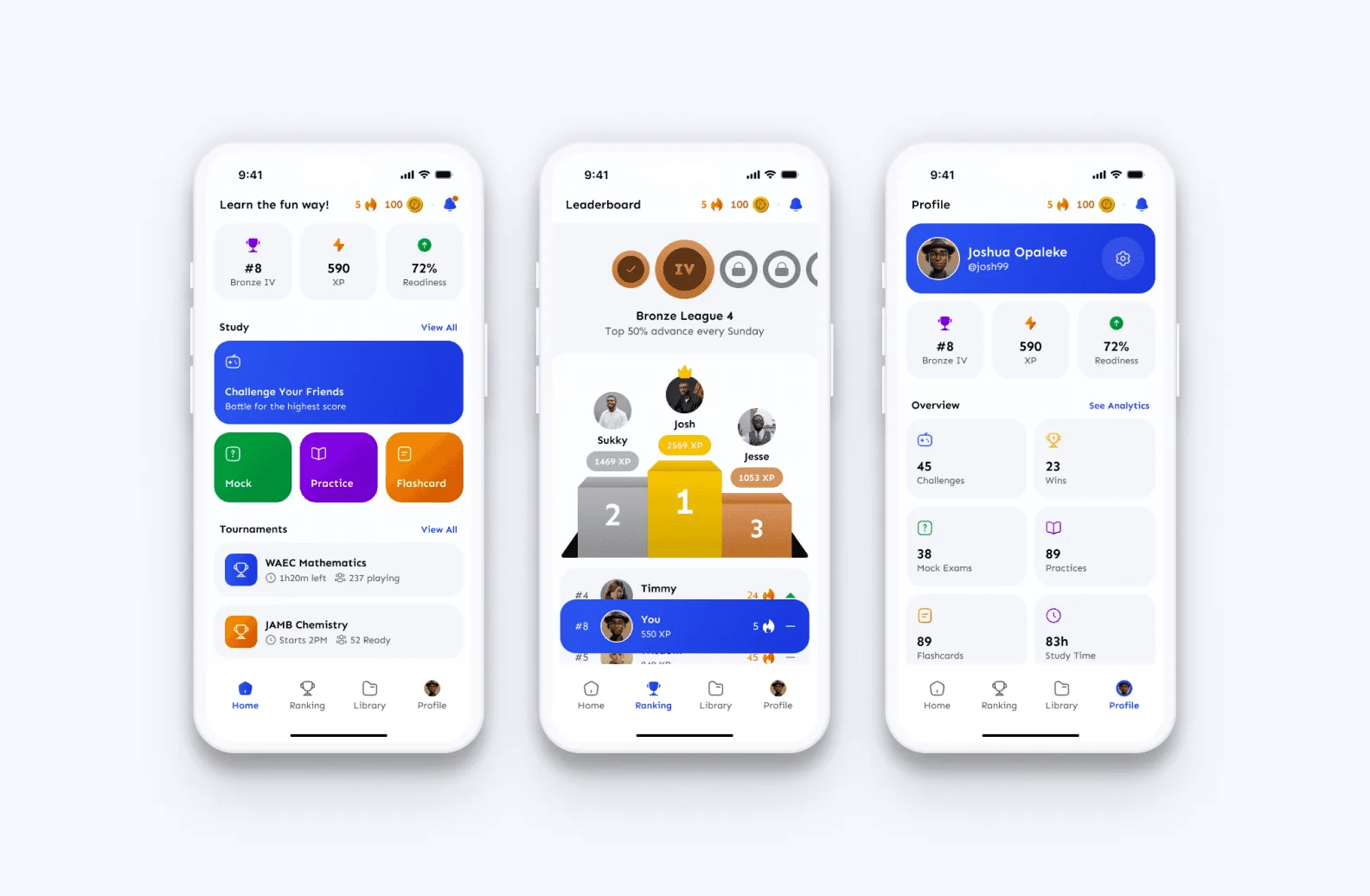
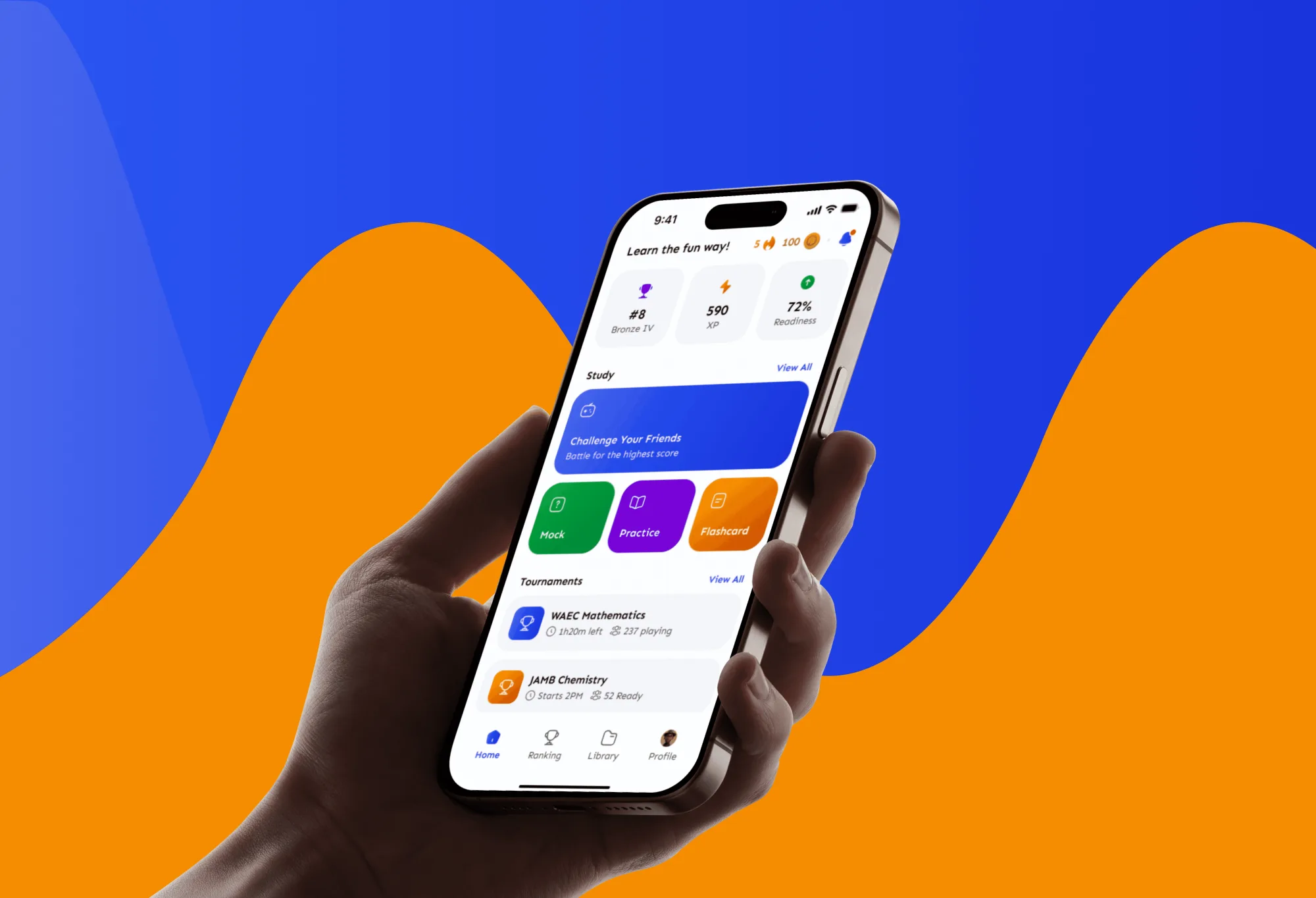
The dashboard is the centre of the app. It gives a clear view of progress, rewards and active challenges, and everything else is one step away from it.
03Reasons to return
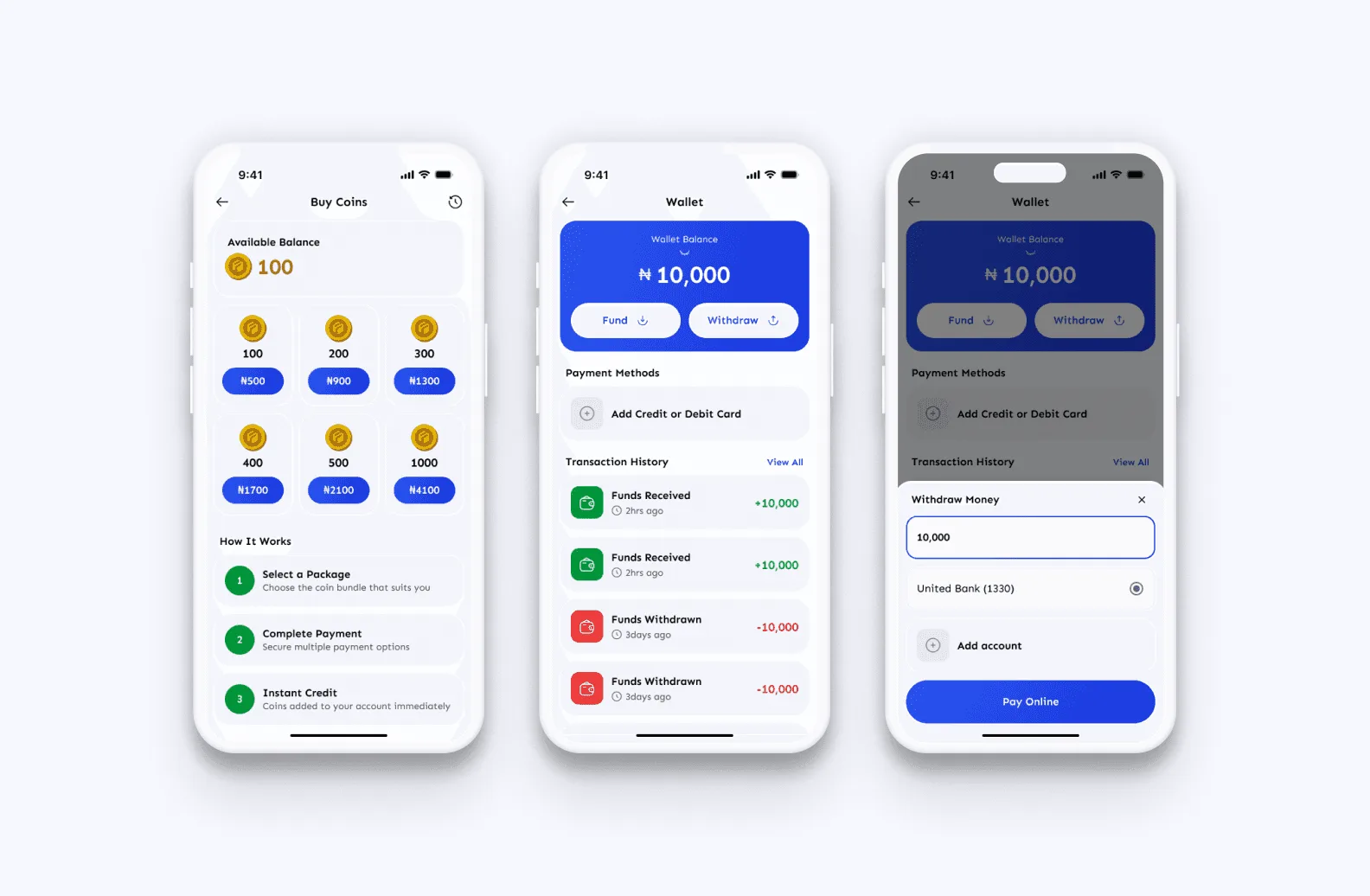
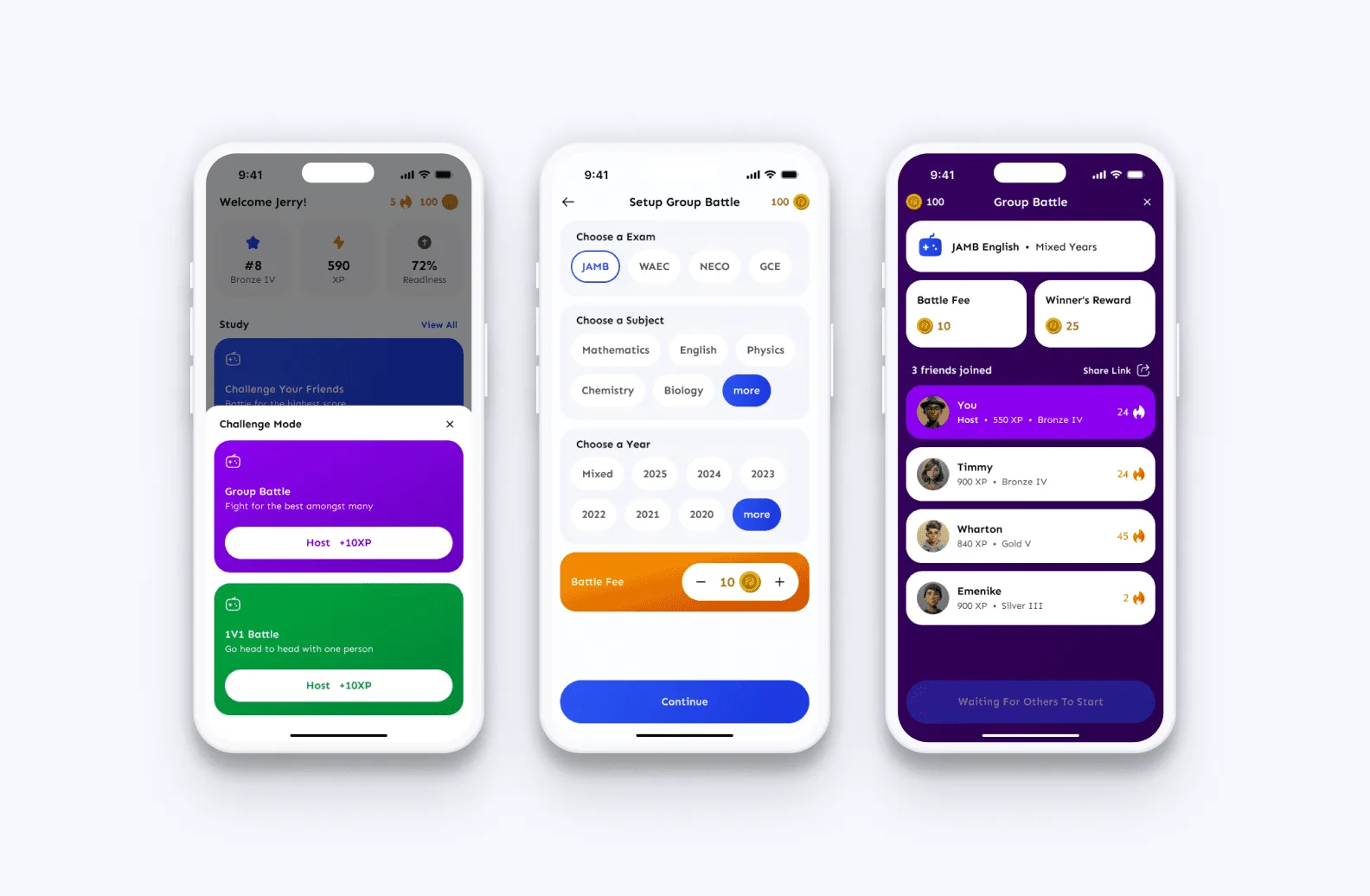
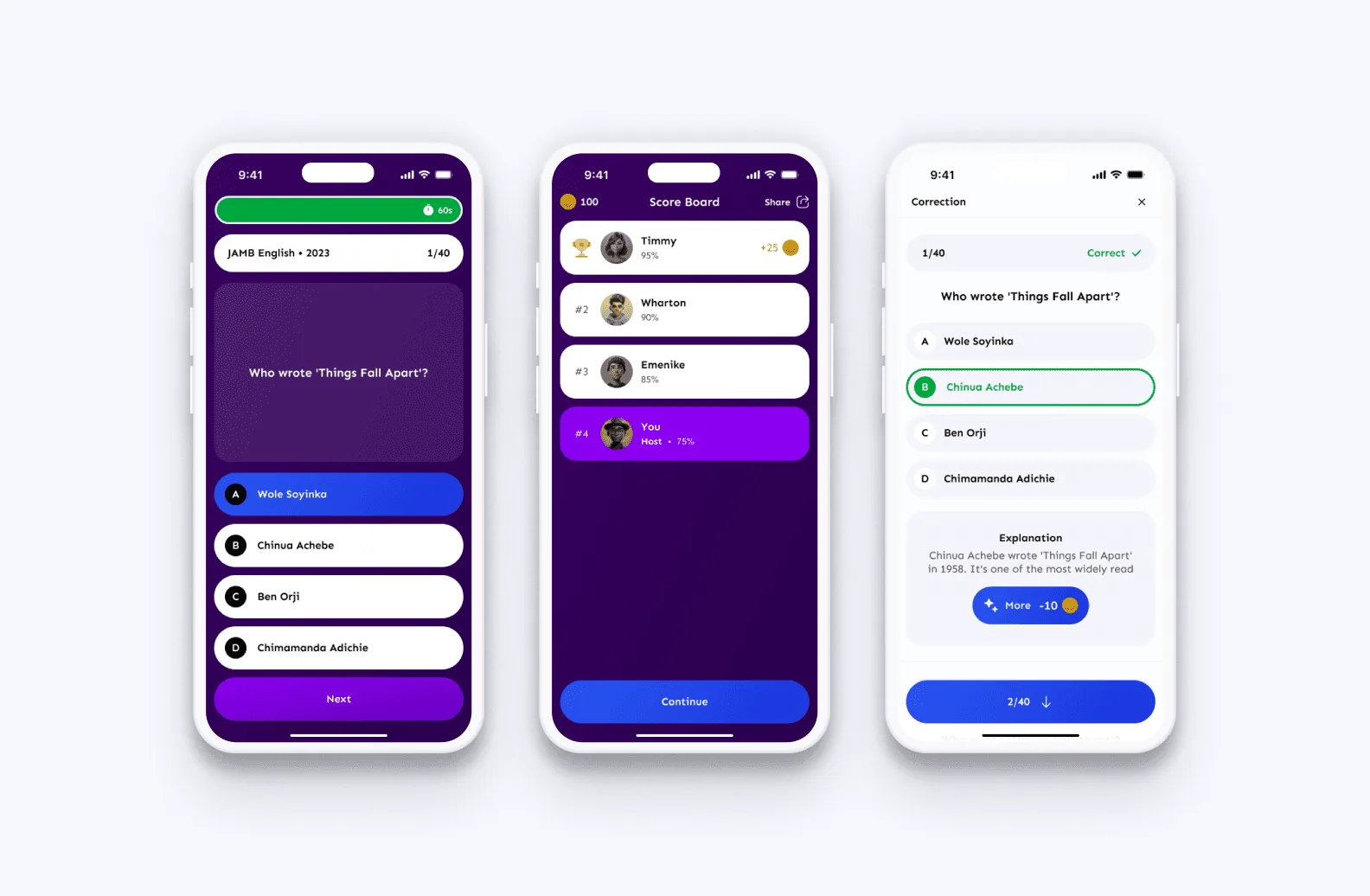
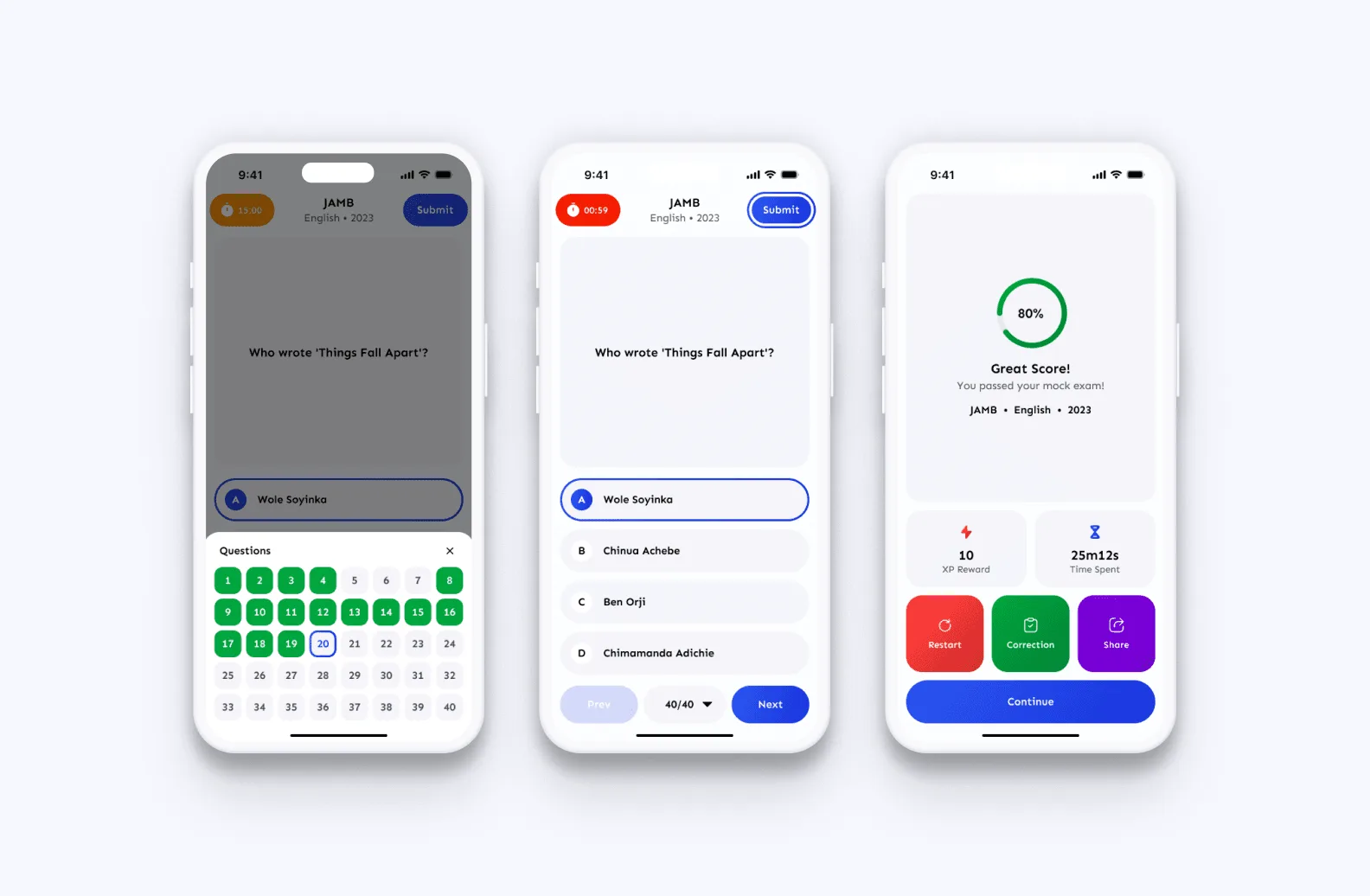
Quizzes, leaderboards and group battles make practice competitive and social. XP, streaks, badges and rewards make consistency visible, and a wallet gives those rewards value inside the app.
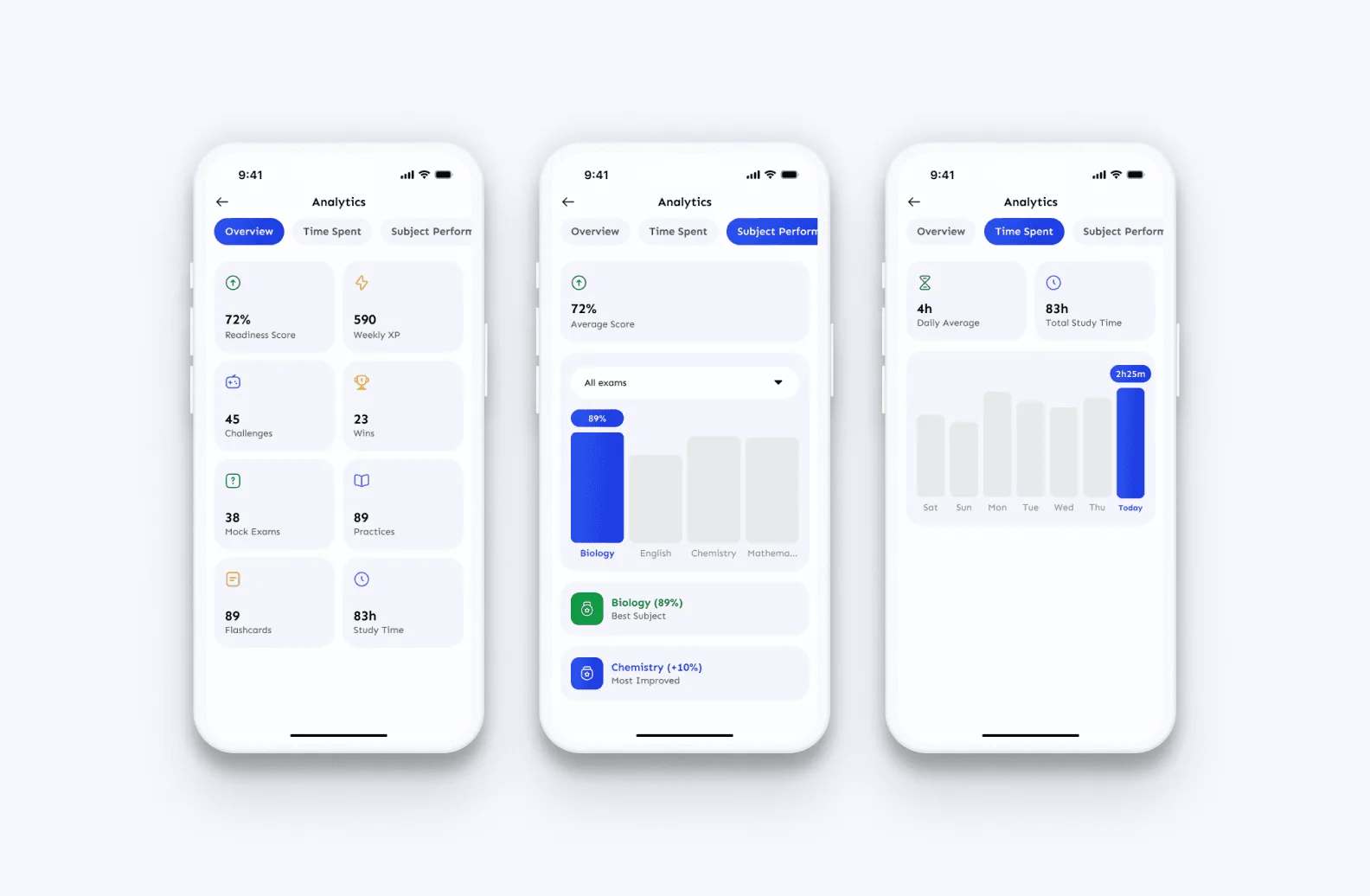
Analytics show students how they are performing over time. Notifications keep them up to date without being intrusive.
04The hard part
The biggest challenge was balancing education with gamification. The experience had to feel exciting and stay simple and usable. When the two pulled against each other, clarity won.
Screens (08)